Reminders and updates
Choose when guests receive RSVP and event reminders by email or SMS, and see how to track their replies in your event dashboard.
Reminders and updates
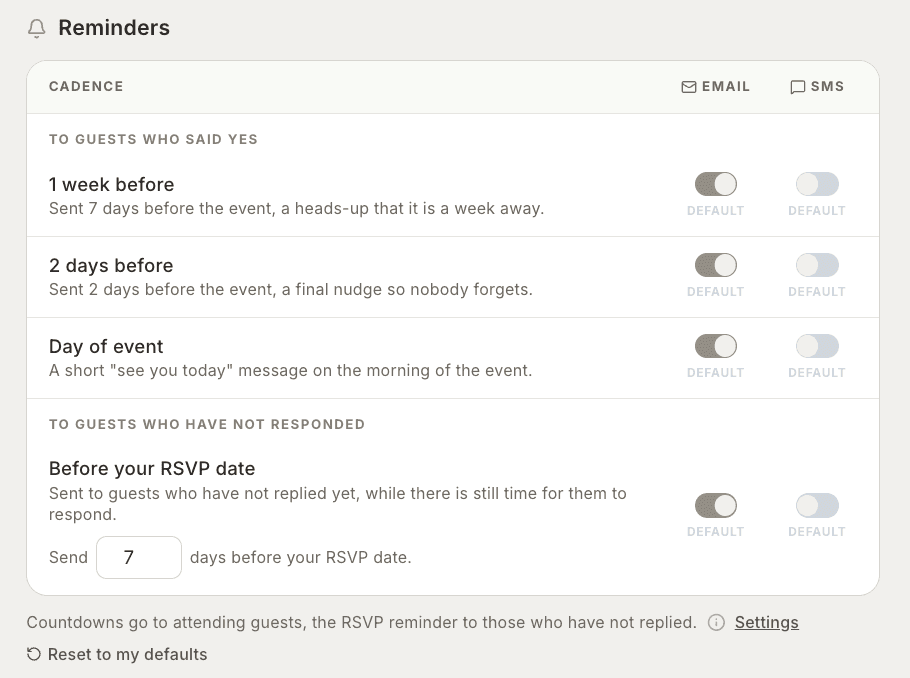
RSVPeasy can send reminders to guests before your event and before the RSVP deadline. You can choose which reminders to send by email or SMS.
You’ll find the reminder options in the final step of creating your event. You can also change them later in your event Settings.
Reminders for guests attending
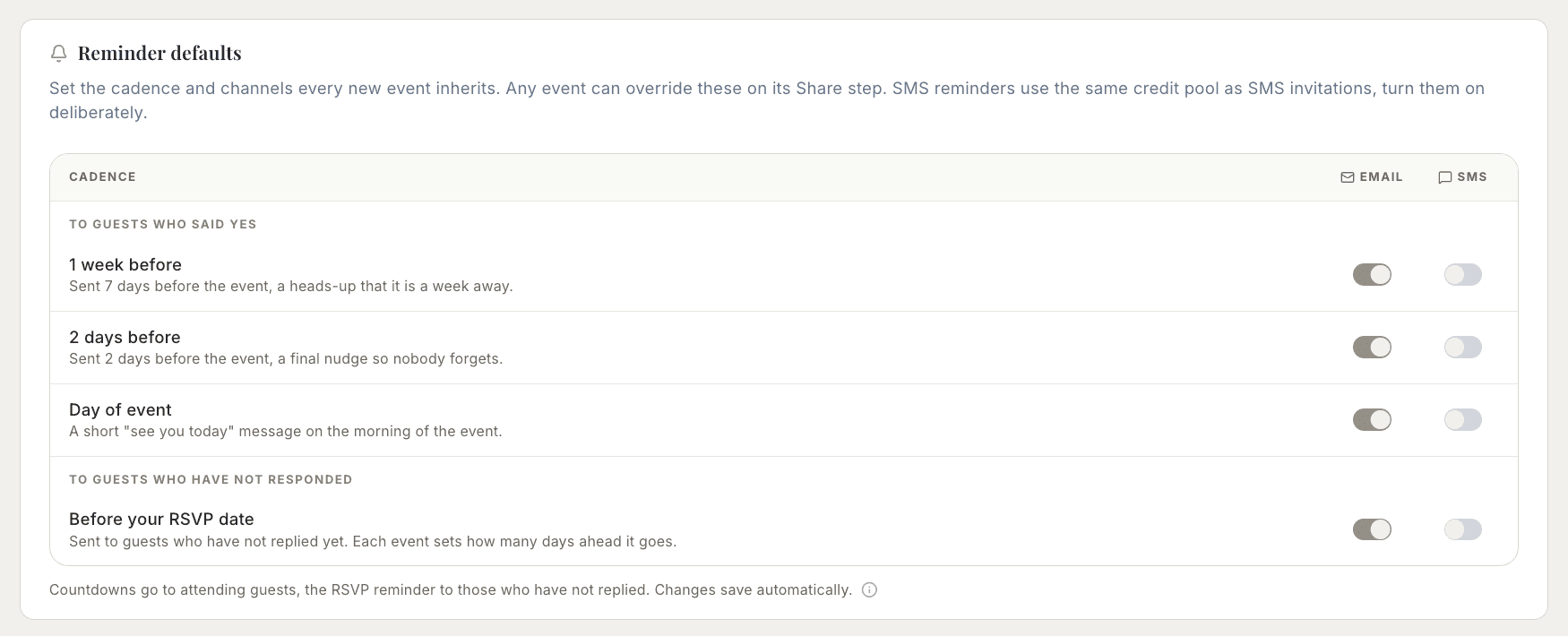
Choose whether to send a reminder one week before, two days before, or on the day of your event. These reminders go to guests who have RSVP’d Yes. Turn on email, SMS, or both for each reminder you want to send.
Reminders for guests who haven’t replied
You can send a reminder to guests who have not responded while there is still time to RSVP. Enter how many days before your RSVP date it should be sent, then choose email, SMS, or both.
Updates for you as the host
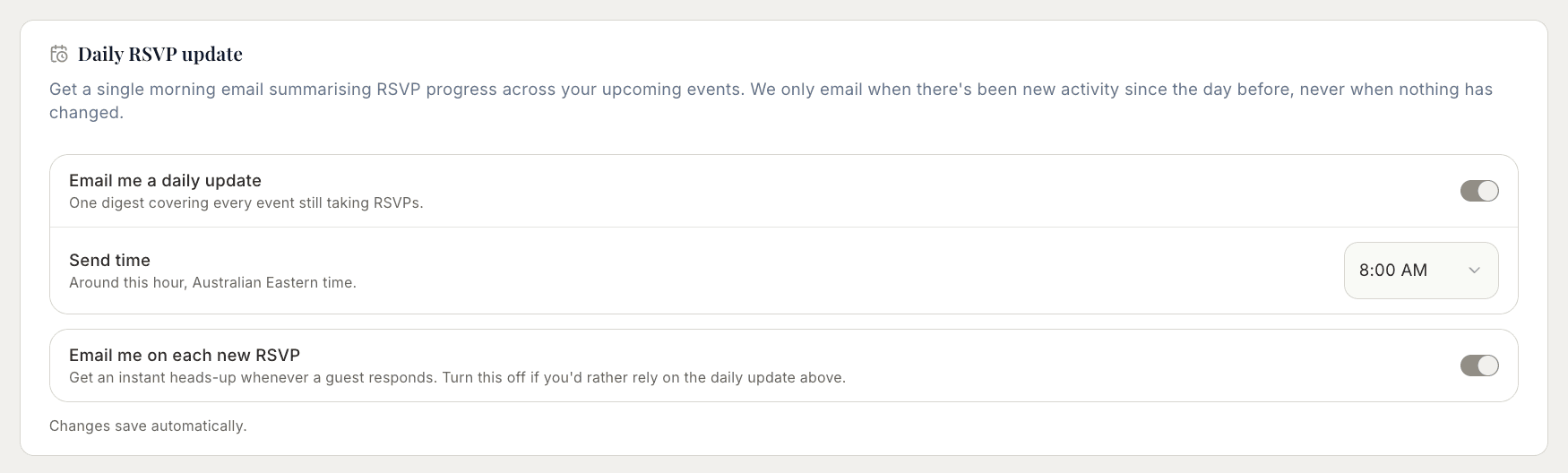
Check your event dashboard to see who has replied, who is attending, who cannot attend, and who is still pending. This helps you keep track of responses and follow up with guests when needed.
You can return to Settings at any time to review or change your reminder choices.